



Guidelines for presenters and chairs

Everything you need to prepare for ATEE 2026 - practical guidance for oral, poster and online presenters, Session Chairs, presentation timing, technical arrangements and the official PowerPoint template.

ATEE 2026

Presentation at a glance

Key information for oral presenters, poster presenters, online presenters and Session Chairs.

90 minutes Each parallel session includes three presentations
Up to 20 minutes Time allocated for each presentation
Approximately 10 minutes Questions and discussion after each presentation
PowerPoint Required presentation file format

Guidelines for oral presenters

Each parallel session lasts 90 minutes and includes three presentations.

Each presenter is allocated:

Up to 20 minutes for the presentation;
Approximately 10 minutes for questions and discussion.

Presenters are kindly asked to:

  • arrive in the session room at least 10 minutes before the session begins;
  • introduce themselves to the Session Chair;
  • upload their presentation to the room computer before the session starts;
  • prepare the presentation in PowerPoint format;
  • keep strictly to the allocated presentation time;
  • ensure that all slides are clear, readable, and accessible to an international audience;
  • focus on the main argument, methodology, key findings, and implications of the study rather than attempting to present the entire paper.

Presenters are strongly encouraged to bring their presentation on a USB drive and to keep an additional copy available online or by email.

Unless otherwise indicated in the programme, presentations should be delivered in English.

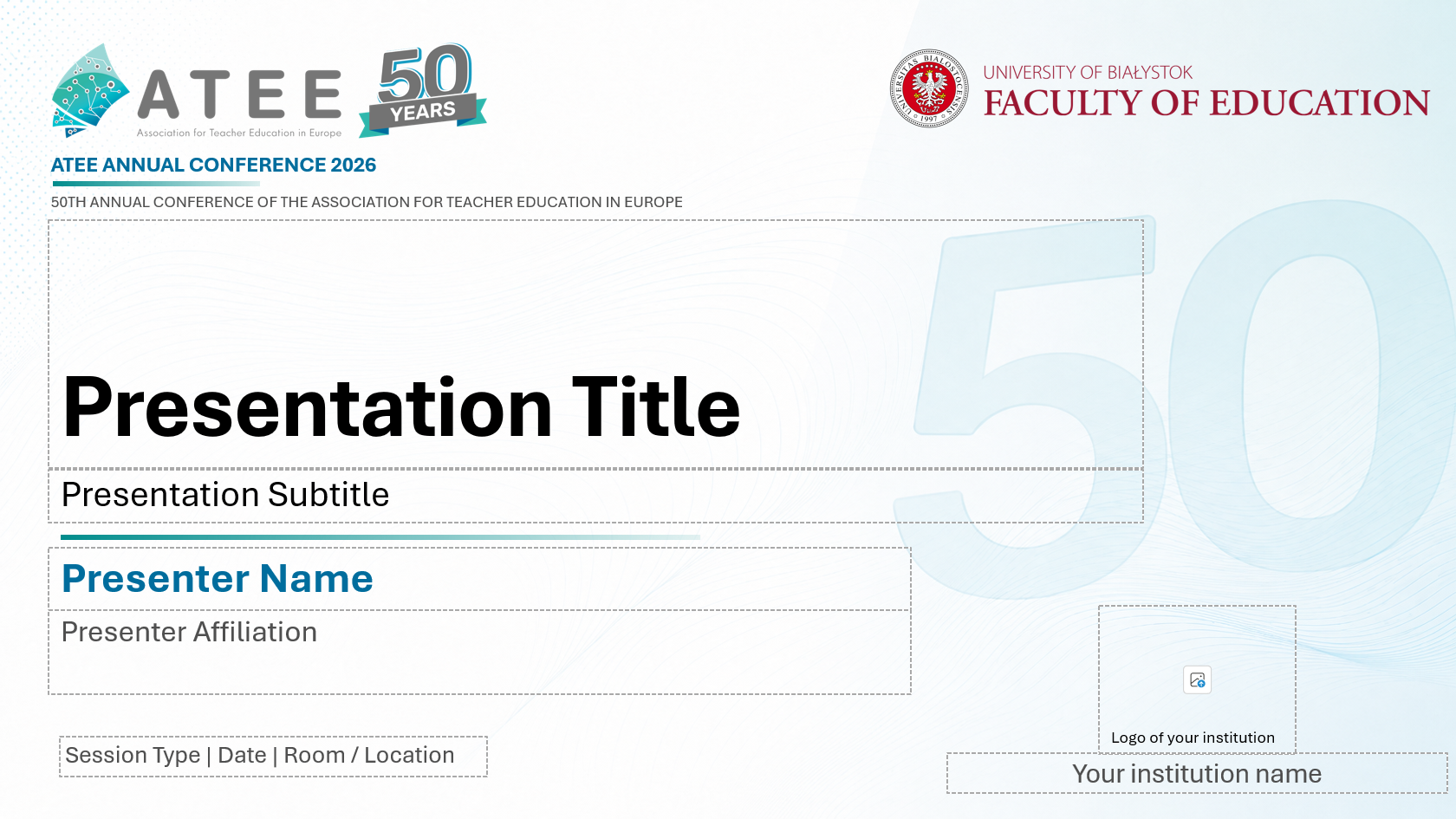
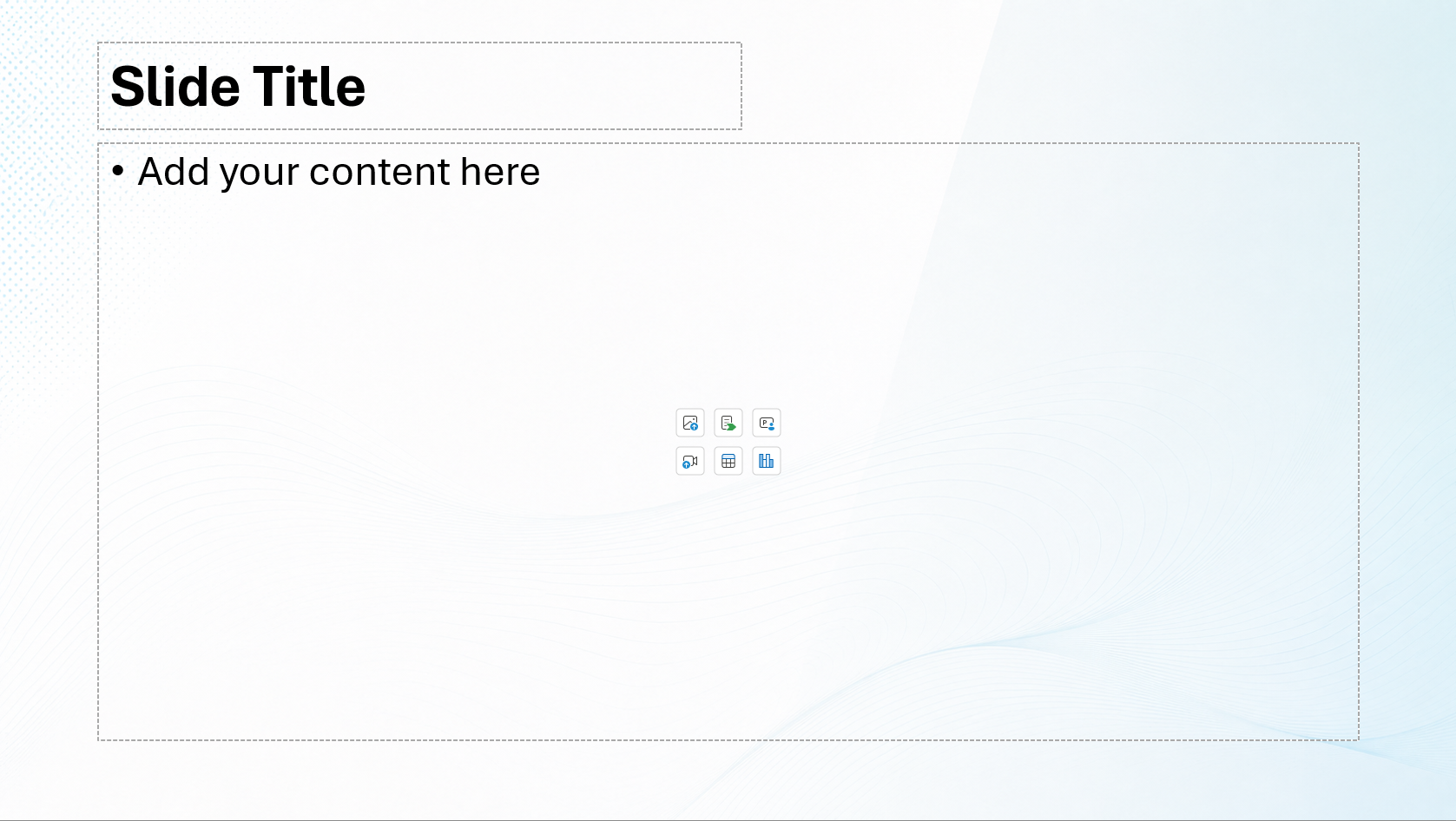
ATEE 2026 presentation template

The official ATEE 2026 PowerPoint presentation template is available for conference presenters.

Preview of the ATEE 2026 PowerPoint title slide
Preview of the ATEE 2026 PowerPoint content slide
Official ATEE 2026 PowerPoint template Download the editable PowerPoint presentation file.
Download the editable PowerPoint presentation file.

Files to download

Guidelines for poster presenters

Poster sessions will take place on:

Wednesday, 26 August from 13:00 to 14:00
Thursday, 27 August from 12:30 to 13:30

Posters should be A0 in size and prepared in portrait orientation. Authors who have prepared their posters in landscape orientation are kindly asked to inform the Organising Committee in advance by email.

Please mount your poster on the assigned display board after registration. Materials for mounting posters will be provided by the Organising Committee.

Poster presenters are expected to remain beside their posters throughout their designated session in order to present their work, answer questions, and engage in discussion with conference participants.

Authors are also welcome to stand by their posters during other conference breaks to facilitate further discussion and exchange.

Posters should be visually clear and concise and should highlight:

  • the research problem or question;
  • the theoretical or conceptual framework;
  • the methodology;
  • the main findings;
  • the implications of the study.

Please remove your poster after the end of the assigned display period.

Poster Printing Services in Białystok

Here is a list of printers which may be suitable for printing your poster should you wish to do so in Białystok. Other services are also available and may be found online.

Centrum Druku Futura

General enquiries and orders

biuro@futura.pl General communication, enquiries and orders

Telephone

Landline: +48 85 748 52 35
Mobile: +48 721 207 721

Opening hours
Monday to Friday: 9:00-17:00
Saturday: 10:00-14:00
Address
CENTRUM DRUKU FUTURA Artur Radecki
ul. Legionowa 28, lok. 008
15-281 Białystok

Guidelines for online presenters

Online presentations will be delivered via Microsoft Teams. The access link will be sent to presenters by email three days before their scheduled presentation.

Online presenters are asked to join the virtual room at least 15 minutes before the scheduled beginning of the session to check their internet connection, microphone, camera, and screen-sharing function.

Online presenters should:

  • use a stable internet connection;
  • participate from a quiet and well-lit location;
  • keep their camera switched on whenever possible;
  • ensure that their displayed name includes their full name and institutional affiliation;
  • prepare a presentation of no more than 20 minutes;
  • remain available for approximately 10 minutes of questions and discussion;
  • send a copy of their presentation to the Organising Committee in advance in case of technical difficulties.

The same time limits apply to both online and on-site presentations.

Guidelines for session chairs

The role of the Session Chair is to ensure that the session runs smoothly, fairly, and according to the published schedule.

Session Chairs are kindly asked to arrive in the session room at least 10 minutes before the scheduled start and to:

  • check that all presenters are present;
  • ensure that all presentations have been uploaded and are ready;
  • welcome the audience and briefly introduce the session;
  • introduce each presenter by name, institutional affiliation, and presentation title;
  • ensure that each presentation does not exceed 20 minutes;
  • facilitate approximately 10 minutes of questions and discussion after each presentation;
  • give presenters a discreet warning when two minutes remain;
  • intervene politely but firmly when a presenter exceeds the allocated time;
  • encourage constructive, respectful, and inclusive discussion;
  • ensure that questions from different members of the audience are heard;
  • conclude the session on time;
  • thank the presenters and participants.

Chairs are asked to avoid lengthy introductions and extensive summaries of individual presentations.

When a presenter is absent, the Chair should not move the remaining presentations to an earlier time, as participants may enter the room according to the times indicated in the published programme.

The available time may instead be used for extended discussion or a short break. The remaining presentations should begin at their originally scheduled times whenever possible.

Technical support

All presentation rooms will be equipped with a computer, projector, and internet access.

Presenters are responsible for ensuring that their presentation files are compatible and ready before the session begins.

Technical support will be available during each session. However, presenters are strongly encouraged to test their presentations in advance and to have a backup copy available.

As part of our website, we use cookies stored on the user's device in order to adapt the behavior of the website to the individual preferences of the user and for statistical purposes. The user has the option to change the cookie settings in their web browser. More information can be found in the Privacy Policy. By using the website, you consent to the use of cookies, in accordance with the browser settings.